

Remote meetings have a well-known awkwardness problem, which is exactly why Virtual Icebreaker Games have become such an important part of modern team communication. Everyone logs in, someone shares their screen, and suddenly 12 people are staring at each other in silence while the host hunts for the mute button. Sound familiar?
Virtual Icebreaker Games help break that tension — but not all of them are created equal. A clunky game can feel more awkward than the silence it was supposed to cure. The ones on this list are tested, genuinely fun, and adaptable to teams of almost any size. Whether you’re running a weekly stand-up, onboarding new hires, or hosting an end-of-quarter virtual happy hour, there’s something here that will work.
Here’s the full breakdown, organized by what you actually need.
Why Virtual Icebreakers Matter More Than You Think
Before jumping into the games themselves, it’s worth understanding why this isn’t just a “nice to have.” Research on remote team performance consistently shows that psychological safety — the feeling that you can speak up without judgment — is one of the strongest predictors of team effectiveness. Icebreaker activities for work directly contribute to that by helping people see each other as human beings rather than profile pictures.
Even a five-minute warm-up at the start of a virtual meeting can shift the energy of the entire session. That’s not a trivial outcome.

Quick-Fire Icebreakers (5 Minutes or Less)
These are your go-to options when you only have a few minutes before the real agenda kicks in. Short, zero-prep, and reliably effective.
1. Two Truths and a Lie
Still one of the best icebreaker games for virtual meetings after all these years, because it works. Each person shares two true statements and one false one — the group votes on which is the lie.
The trick to making it land is encouraging people to make the lie believable. “I’ve never eaten a cheeseburger” is more fun than “I can fly.” For remote teams who don’t know each other well, this game is a surprisingly fast way to surface genuinely memorable details about colleagues. Keep it moving by using Zoom polls or a quick hand-raise to collect votes before the person reveals the answer.
Group size: Any
Time needed: 10–15 minutes for a group of 10–12
2. Would You Rather?
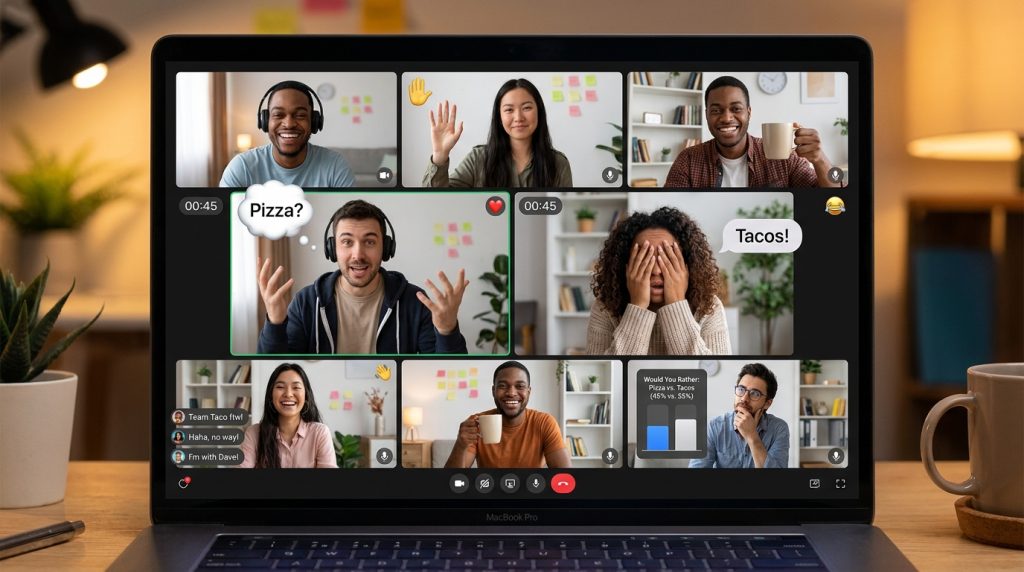
Simple, endlessly customizable, and works in groups of any size. The host reads a pair of options and everyone responds — via raised hands, reactions, or a quick poll.
The questions do the heavy lifting here, so put some thought into them. Generic options (“Would you rather be rich or famous?”) get polite responses. Specific, slightly absurd ones spark real conversation: “Would you rather give a presentation to 500 strangers or hand-wash every dish in your house for a year?”
For work meetings, you can tailor questions around professional scenarios, which often reveals more about team culture than any formal activity. Tools like Mentimeter or Zoom Polls make collecting responses effortless and give you something visual to discuss.
Group size: Any
Time needed: 5–10 minutes

3. Word Association
One person says a word, the next person responds with the first word that comes to mind, and so on around the group. Anyone who hesitates too long or repeats a word already said is out.
What makes this one of the best quick icebreakers for team meetings is that it’s purely reactive — there’s no time to overthink, which means people’s real personalities come through almost immediately. The chains that emerge are often genuinely funny, and the game moves fast enough that even skeptics get pulled in.
For a structured twist, anchor it to a category: “We’re staying in the world of food” or “Only movie titles.” This works particularly well as an energizer mid-meeting when attention starts to drift.
Group size: 6–20
Time needed: 5 minutes
4. 5-Second Rule
A participant is given a category and must name three things in it within five seconds. The time pressure is everything — “Name three vegetables” becomes genuinely stressful under the clock.
Play this with a visible timer on screen and a sound effect for the buzzer. If someone blanks, the question passes to the next person and they get a point if they can answer. Keep score across a few rounds and award a small prize.
This is one of the most reliable fun icebreakers for work meetings because it requires zero preparation, scales easily, and produces laughter almost every time. It also works well as a second wind activity midway through a long session.
Group size: Any
Time needed: 5–10 minutes
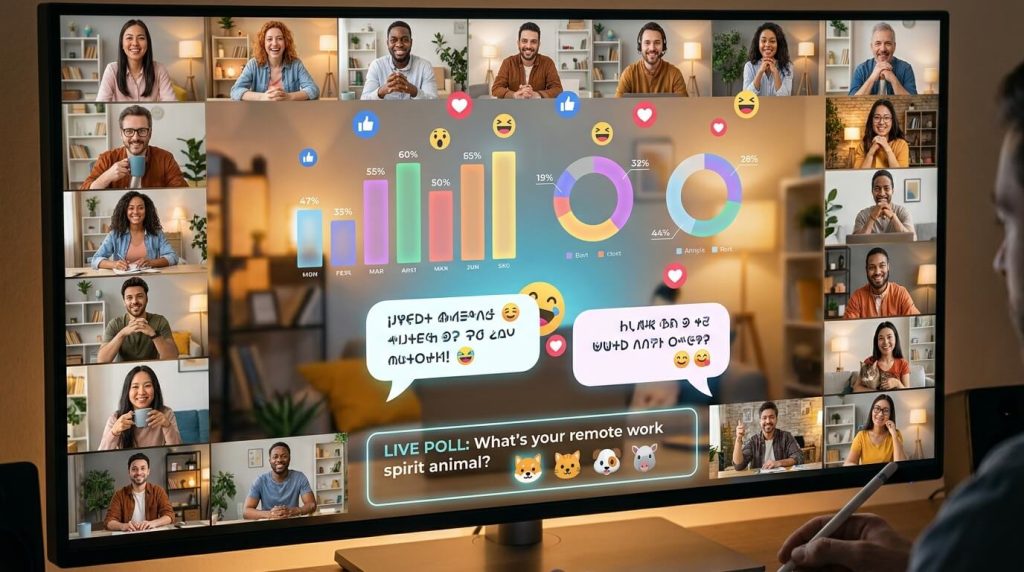
5. Virtual Icebreaker Polls
Using a real-time polling tool like Mentimeter, Slido, or Kahoot, post a few fun questions and show the live results as people answer. Questions like “What’s your hidden talent?”, “Which emoji best describes your mood right now?”, or “What’s the most useless skill you have?” generate engagement even from quieter participants who wouldn’t naturally speak up.
The advantage here is that polls give everyone a voice simultaneously, making them one of the best icebreaker ideas for large virtual meetings where you can’t give everyone a turn to speak. After results appear, spotlight a few interesting answers and invite those people to elaborate.
Group size: 10–500+
Time needed: 5–8 minutes
Creative and Expressive Icebreakers
These games take a few more minutes but create stronger connections. Good for team-building sessions, onboarding calls, or any meeting where getting to know people is actually the point.
6. Emoji Storytelling
Participants use only emojis to tell a story — a childhood memory, their weekend, their current mood, or their ideal vacation. They post their emoji sequence in the chat and others have to decode the meaning.
A rainy day with a book, coffee, and a cat. A challenging hike with a triumphant ending. The interpretations people offer are often just as entertaining as the original.
This is one of the more unique virtual icebreakers on this list because it lowers the stakes — there’s no “wrong” answer, and the ambiguity of emojis means people feel less self-conscious about participating. For virtual classrooms and remote teams meeting for the first time, that’s a meaningful advantage.
Group size: 8–25
Time needed: 10–15 minutes
7. Show and Tell
Participants take 60–90 seconds to grab an object from their home and explain why it matters to them. You can leave this completely open, or set a prompt: “Something that represents a hobby,” “Something that’s been with you for more than 10 years,” or “Something that tells us something we wouldn’t know about you.”
Show and Tell is one of the best virtual icebreaker activities for remote teams because it accomplishes something rare: it gets people to be genuinely vulnerable in a low-pressure way. Hearing a colleague explain why they keep a worn paperback on their desk, or why a particular mug means something to them, builds authentic connection faster than most structured team-building activities.
Group size: 6–15
Time needed: 10–20 minutes
8. Virtual Background Challenge
Participants set their Zoom or Teams background around a theme announced a few minutes before the call. Options could include: dream travel destination, a meme that describes their week, their favorite movie scene, or their current mood as a landscape.
When the call starts, everyone goes around and explains their choice. It’s visual, creative, and gives quieter team members something concrete to talk about — which matters more than people realize. You can turn it competitive by having the group vote on the most creative or funniest background at the end.
Group size: Any
Time needed: 10 minutes

Looking for even more ways to break awkward silence and spark real conversations? These fun icebreaker games for groups and teams are packed with creative activities that instantly get people talking and laughing.
9. Desert Island Scenario
“If you were stranded on a desert island and could only bring three items, what would they be?” The catch is giving people a structure: one practical survival item, one luxury, one personal item.
What makes this a great virtual icebreaker for teams is the debate it generates. People inevitably challenge each other’s choices (“Wait, you’d bring a blender but no source of electricity?”), and those disagreements create genuine conversation. Let it breathe — this one is worth lingering on if the group is engaged.
Group size: 6–20
Time needed: 10–20 minutes
10. Mad Libs Challenge
The host prepares a short story with blanks for nouns, verbs, adjectives, and adverbs. Without showing the full story, they ask participants to shout out words to fill in each blank. Then they read the completed story aloud.
The results are reliably absurd. “The quarterly report was so majestic that the entire team decided to moonwalk through the swamp” lands differently than almost anything else you’ll do in a work meeting. Free Mad Libs generators make this zero-prep, or you can write a custom one tailored to an inside joke your team already shares.
Group size: 6–20
Time needed: 10 minutes
Game-Show Style Icebreakers
Higher energy, slightly more prep, but worth it when you want people genuinely fired up. These are best for longer sessions, off-sites, or dedicated team-building time.
11. Online Trivia Challenge
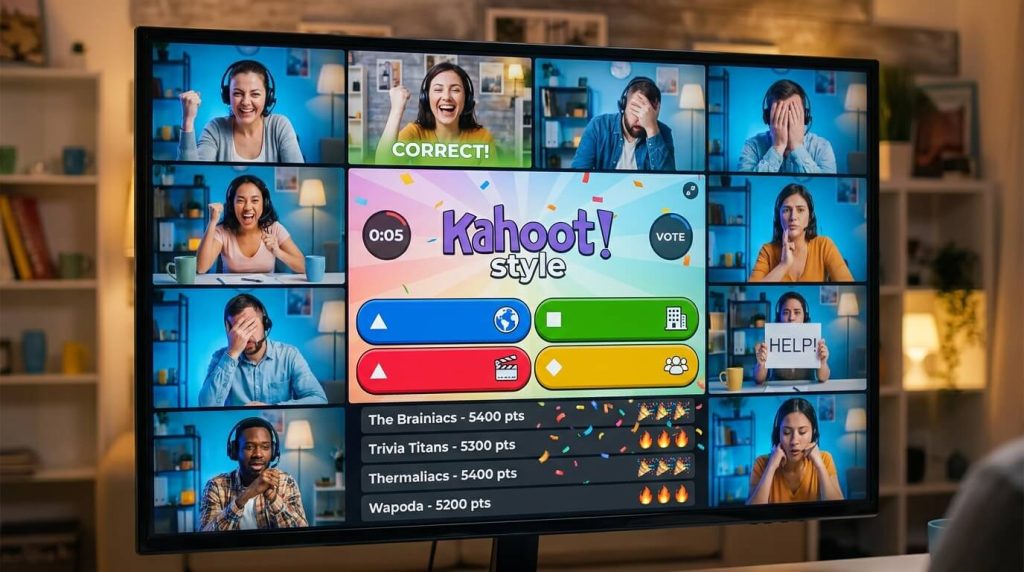
Use Kahoot or Quizizz to host a live trivia game with rounds your group will actually care about. Mix categories: one round of pop culture, one of geography or history, one round of facts specific to your company or team (“What year was our first product launched?” “Which team member has worked here the longest?”).
Trivia is one of the most popular icebreaker games for meetings with a competitive team culture because it channels that energy productively. The company-specific round is especially valuable — it tests institutional knowledge in a fun way and often surfaces stories new team members wouldn’t otherwise hear.
Group size: Any
Time needed: 15–25 minutes
Tools: Kahoot, Quizizz
12. Name That Tune
The host plays two to three seconds of a song — just long enough to recognize it if you know it, not long enough to be sure. Participants type their guess in the chat. First correct answer gets the point.
Theme your rounds to your audience: 90s pop, film scores, current chart hits, or even company-specific playlists your team has used for past events. Music memory is surprisingly personal, and the conversation that tends to follow (“Wait, how do you know that song?”) is often more valuable than the game itself.
Group size: 6–25
Time needed: 10–20 minutes
Tools: Spotify, YouTube
13. Virtual Pictionary or Quick Draw Challenge
Use Skribbl.io (free, works in browsers, requires no downloads) and have participants take turns drawing a word while the rest guess in real time. The drawings are almost always terrible, which is the entire point.
For a faster version, give everyone 30 seconds to draw simultaneously, then reveal all drawings at once and vote on which one is closest. This Quick Draw variant is better for larger groups because it involves everyone at the same time rather than waiting for turns.
Custom word lists make this work for any context — office objects, industry-specific terms, names of team projects, or running inside jokes. This is consistently one of the most fun virtual icebreaker games for teams that enjoy friendly competition.
Group size: 6–30
Time needed: 15–25 minutes
Tools: Skribbl.io, Zoom Whiteboard
14. Online Charades
The mime-based classic adapts to video calls better than you’d expect. One person acts out a word or phrase — no speaking, no props — while others type guesses in the chat. Use an online word generator to keep prompts random and fair.
Categories can be broad (movies, animals, famous people) or themed to your group (company values, industry buzzwords, team projects). Charades creates moments of genuine physical comedy that tend to break down formality faster than almost any other icebreaker for virtual meetings.
Group size: 6–20
Time needed: 15–20 minutes

15. Online Bingo
Create custom Bingo cards populated with experiences or traits instead of numbers: “Has worked from a coffee shop this week,” “Owns more than two houseplants,” “Has met a colleague in person only once,” “Speaks a language they learned as an adult.”
Participants interact with each other to find people who match each square, marking them off as they go. First to complete a row wins. This is one of the best icebreaker activities for large remote groups because it forces organic one-on-one conversations rather than broadcasting to the whole room.
Free tools like Bingo Baker let you create custom cards in minutes.
Group size: 15–50
Time needed: 15–20 minutes
16. Speed Networking
Modeled loosely on speed dating, this activity puts participants in breakout rooms in pairs with two to three minutes and a conversation prompt. When time’s up, they rotate to a new partner.
Prepare a few prompts to keep conversations from stalling: “What’s one thing you’re working on that you’re genuinely excited about?”, “What’s something you wish more people knew about your role?”, or “What’s a non-work skill you’ve picked up in the last year?” These prompts matter — the difference between a good and a forgettable speed networking session often comes down entirely to the quality of the questions.
This is particularly effective as an icebreaker for virtual team meetings where some attendees have never met, or for company-wide all-hands where people from different departments rarely interact.
Group size: 10–60 (works best in even numbers)
Time needed: 20–30 minutes
Sensory and Observation Games
These engage different senses and keep people on their toes in unexpected ways.
17. Virtual Scavenger Hunt
Give participants a list of household objects and 60–90 seconds to find them. Categories can be descriptive (“Something that makes you smile,” “Something older than you”) or literal (“Something blue,” “A book you’ve actually read”).
The chaos of watching people sprint around their homes on camera is half the entertainment. For remote team icebreakers, themed hunts add a layer of creativity — a “Monday morning edition” might include something that helps them wake up and something that’s been on their to-do list too long.
Use a visible timer and a simple scoreboard to keep the energy high. Award points for speed, creativity, or both.
Group size: 8–25
Time needed: 10–15 minutes
18. Guess the Sound
The host plays a short audio clip of an everyday sound — a zipper, a microwave, a specific animal, a keyboard clatter — and participants type their guesses in the chat. Freesound.org has thousands of free, downloadable effects.
What makes this one of the more interesting digital icebreakers is that it doesn’t rely on verbal fluency or cultural knowledge — anyone can participate equally. It’s also flexible: you can theme rounds (kitchen sounds, nature sounds, office sounds) and increase difficulty as the game progresses. A competitive scoreboard makes it surprisingly engaging even for groups who roll their eyes at icebreakers.
Group size: 6–30
Time needed: 10–15 minutes

19. Who Said It?
Before the meeting, collect a quote from each participant — funny, surprising, or oddly profound. During the meeting, the host reads quotes one by one and the group votes on who said it.
The quotes work best when they’re genuinely personal — a real opinion, a weird belief, a statement that sounds out of character. “I have never seen a sunset I didn’t like” and “I genuinely think Tuesdays are the worst day of the week” are more interesting than motivational quotes people pulled from the internet.
This is one of those rare workplace icebreaker games that scales equally well for teams that know each other and teams that don’t. For existing teams, it surfaces unexpected sides of familiar colleagues. For new groups, it generates curiosity and conversation.
Group size: 8–25
Time needed: 10–15 minutes
Longer Experiences (Dedicated Team-Building Time)
When you have 30 minutes or more and connection is the primary goal, these go deeper.
20. Virtual Escape Room
Split participants into teams, send them into breakout rooms, and have them work through a set of online puzzles with a time limit. Platforms like Escapely, Enchambered, and The Escape Game offer polished virtual experiences, or you can build a basic version yourself using a shared Google Doc with riddles and clues.
Virtual escape rooms are particularly valuable as icebreaker virtual team building activities because they require genuine collaboration. To solve the puzzle, people need to communicate clearly, divide tasks, and trust each other’s judgment — all the things you actually want remote teams to do. The competitive element (which team escapes first?) adds stakes without being exclusionary.
Group size: 10–40 (teams of 4–6)
Time needed: 30–60 minutes
21. Pet or Kid Cameo
The lowest-effort high-reward icebreaker on this list. Ask participants to introduce their pet, their kid, or — if they have neither — a childhood stuffed animal or a favorite object from their desk. Give each person 60–90 seconds.
This works because it removes the performance pressure of “tell us something interesting about yourself” and replaces it with something people are genuinely happy to talk about. A Labrador who keeps photobombing video calls is an easier icebreaker than any question you could write.
For extra fun, run a simultaneous poll: “Guess what kind of pet [Name] has” before they introduce it. Works beautifully for remote team ice breakers where the goal is warmth over cleverness.
Group size: Any
Time needed: 1–2 minutes per person

22. Virtual Meme Contest
Give participants 5–7 minutes to create a meme using a free tool like Imgflip or Canva — themed around a shared experience, a running team joke, or the current state of the project they’re all working on. Then everyone submits their meme to a shared channel or screen, and the group votes for the funniest.
This is particularly effective for teams that communicate heavily through humor. It requires creative effort but rewards it in a way that feels natural rather than forced. The winning meme often becomes a team artifact that gets referenced for months.
Group size: 8–25
Time needed: 20–25 minutes
23. Online Debate: Would You Rather Deep Dive
Take the classic Would You Rather format and go deeper. Instead of just voting, give each side 60 seconds to argue their case before the group votes. Topics can stay fun (“Would you rather give up coffee or give up weekends?”) or tilt into team-relevant territory (“Would you rather have fully flexible hours with daily check-ins, or fixed hours with zero meetings?”).
The debate format reveals how people think and communicate, not just what they prefer. It also creates natural conversational threads that carry into the rest of the meeting — people remember who argued what, and that’s the beginning of actual rapport.
Group size: 8–25
Time needed: 15–20 minutes
How to Choose the Right Icebreaker for Your Meeting
The best virtual icebreaker isn’t always the most elaborate one — it’s the one that fits your context. Here’s a quick framework:
If you have less than 5 minutes: Word Association, Would You Rather polls, or the 5-Second Rule. These need zero setup and create immediate engagement.
If you have a new team or first-time group: Two Truths and a Lie, Show and Tell, or Speed Networking. These are designed explicitly to surface personal information and build initial familiarity.
If your group is competitive: Online Trivia, Name That Tune, or Virtual Pictionary. Channel that energy into something that rewards it.
If your group is shy or introverted: Virtual Icebreaker Polls, Online Bingo, or Emoji Storytelling. Lower-pressure formats where people can participate without being put on the spot.
If you have 30+ minutes and connection is the goal: Virtual Escape Room, Speed Networking, or a structured Desert Island Scenario with real debate built in.
One final note: the best icebreaker game for any meeting is one the facilitator is genuinely enthusiastic about running. Participants take their cue from the energy the host brings. Pick something you actually like and it’ll land better than whatever the algorithm says is most popular.
Final Thoughts
Virtual meetings do not have to feel awkward or disconnected. A simple icebreaker at the start of a call can completely change the energy of the room. Instead of silent screens and distracted participants, people become more relaxed, engaged, and willing to join the conversation.
The best virtual icebreakers are not complicated. Even a quick five-minute activity can help teammates laugh, connect, and feel more comfortable speaking up throughout the meeting. Over time, these small moments can strengthen communication, improve collaboration, and make remote work feel far more human.
Not every game will work for every group, and that is okay. Try different ideas, pay attention to what your team enjoys most, and keep things flexible. Some groups love fast-paced challenges, while others prefer simple conversation starters or creative activities.
At the end of the day, the goal is not just to “fill time” before a meeting begins. It is to create an atmosphere where people actually want to participate. And when teams feel connected, even through a screen, meetings become more productive, enjoyable, and memorable for everyone involved.